
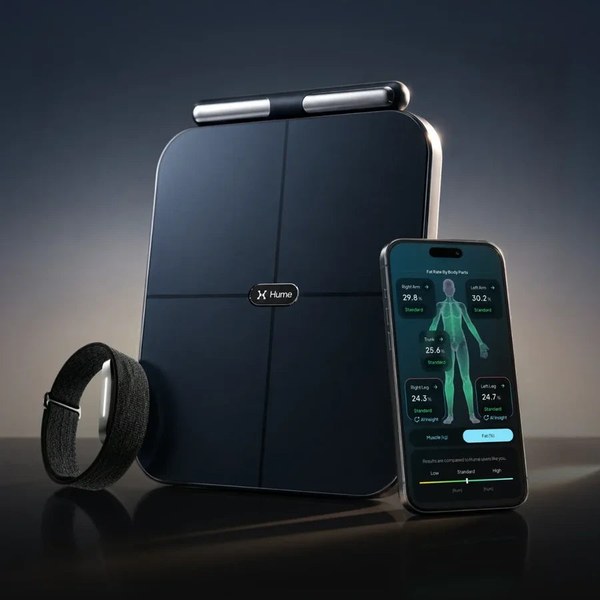
Buying a health gadget is the easy part. The hard part is the third week, when the novelty has gone and the scale is gathering dust. If you own the Hume Pod, the Hume Band 2.0, or the bundle that includes both, the way to get value from them is a small, boring routine that you can actually keep.
This article suggests one. It does not review the hardware, because other guides already cover what each device measures. Instead it shows how the two fit together over four weeks: when to use each one, what to look at, and when to stop looking. The routine itself is our suggestion, built from what Hume says about its products on the Hume Health website.
In this guide
What Each Device Does
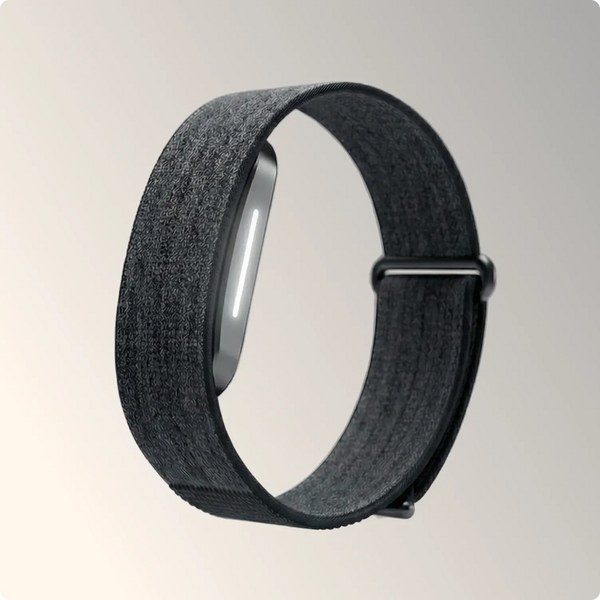
The two products measure different things, which is why they are sold together as a bundle called Hume Pod + Hume Band 2.0.
| Hume Pod | Hume Band 2.0 | |
|---|---|---|
| Type | Smart scale with a handle | Screenless wrist wearable |
| Used | In short spot checks, such as a morning weigh-in | Worn through the day and night |
| What the brand says it gives you | Body composition metrics, including segmental readings for arms, torso and legs | Strain and recovery, deep and REM sleep and a metabolic capacity score |
| Connection | Bluetooth to the Hume app | Bluetooth to the Hume app |
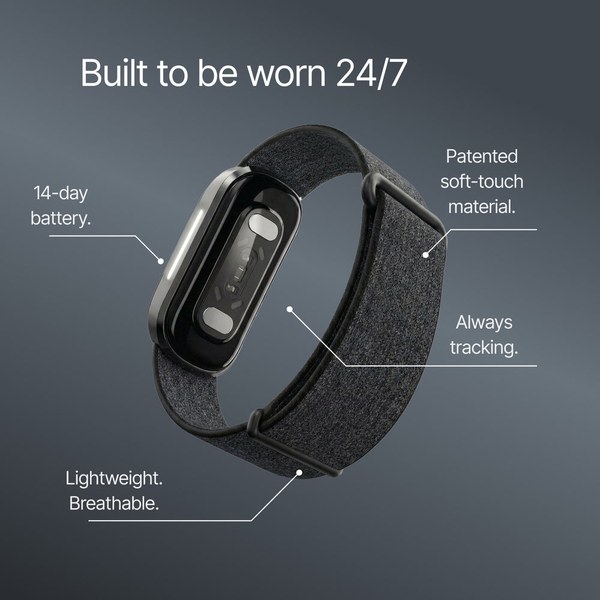
The brand describes the Pod’s reading as a 45-metric body scan, and it positions the Band 2.0 as a screenless device made to be worn around the clock. In practice, the Pod is your snapshot and the Band is your trend line.

The Setup: Before Week One
Spend twenty minutes on setup so that you do not fight the devices later. Hume’s FAQ gives the basic rules for the Pod: stand on a hard surface, be barefoot, and hold the handle with both hands with your thumbs on the sensors. The scale connects over Bluetooth. If several people share one Pod, the brand says you can create multiple accounts, but only one phone can be connected at a time.
- Install the Hume app and create your profile.
- Pair the Pod and the Band over Bluetooth.
- Decide where the Pod will live. A scale in a cupboard is a scale you will not use.
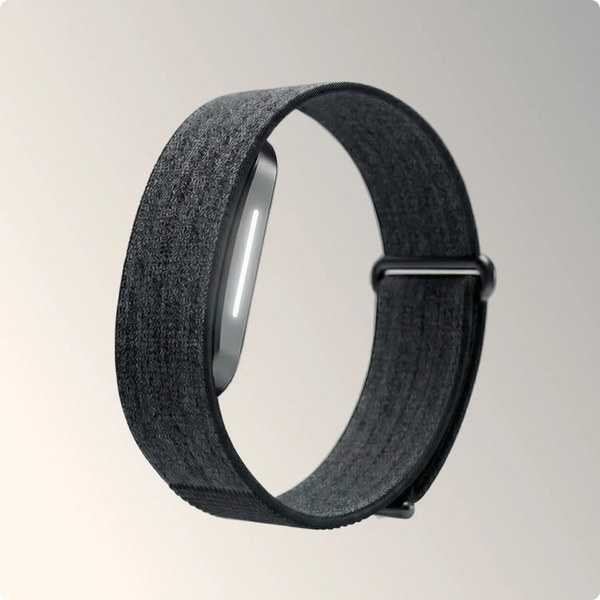
- Pick a charging habit for the Band, for example during a shower, so that it is on your wrist overnight.
- If you use Apple Health or Google Fit, connect it in the app settings. The brand lists both as supported.
Week One: Collect a Baseline
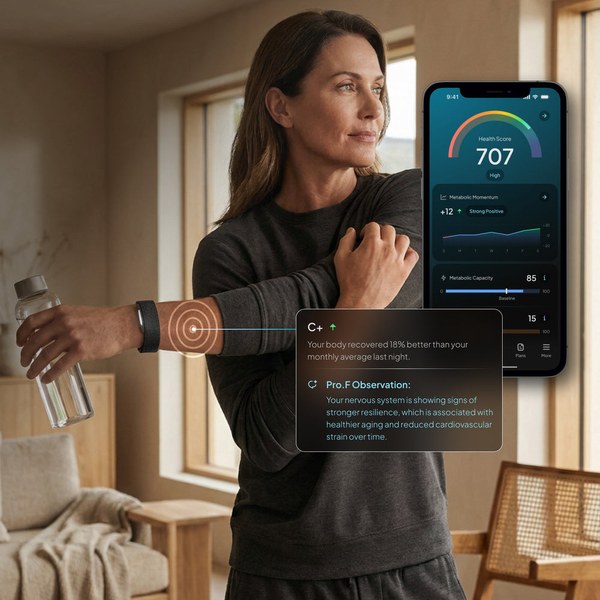
Do not change anything this week. Weigh in once a morning, at the same time, before eating, and wear the Band day and night.
- Pod: a morning reading, the same conditions every time.
- Band: wear it constantly and let it collect sleep and recovery data.
- You: ignore single readings and just collect numbers.
Body composition scales based on electrical impedance are estimates and are affected by hydration, food and the time of day. That is why the same time and the same conditions matter far more than any one result.
Week Two: Compare the Two Views
Now look for connections between the two data streams. If the Band shows a poor night, does your morning reading shift? Probably it will not, and that is the point: the Pod changes slowly and the Band changes quickly. Treat them as different instruments.
A practical way to do this is a five-minute check each Sunday. Open the app, look at the last seven weigh-ins, then scroll through the sleep and recovery pages. You are not looking for answers yet. You are looking for patterns, such as sleeping worse after late meals or recovering better after rest days, that can guide the habit you will change next week.
Week Three: Change One Thing
Choose a single habit to change, such as going to bed 30 minutes earlier or adding two strength sessions a week. Changing three things at once makes it impossible to see what worked.
- Keep the weigh-in routine exactly the same.
- Watch the Band’s sleep and recovery readings for the next few days.
- Write down what you changed and the date.
Week Four: Review, Do Not Obsess
At the end of the month, look at the trend rather than individual days. If you use the paid Hume Plus option, the brand says it adds a weekly health report that combines body composition, activity and sleep. The free version of the app covers weigh-ins and body measurements. Whichever you use, a weekly look is enough.
Ask three questions: Is the trend moving in the direction I want? Did my one change seem to help? Do I want to keep, drop or replace it with something else? Then repeat the cycle.
Common Mistakes
- Weighing in at random times of day.
- Reading too much into one bad night of sleep.
- Taking the Band off for convenience and then forgetting to put it back on.
- Chasing every number in the app instead of two or three that matter to you.
- Treating a wellness device as a medical one. These devices are not for diagnosis.
Is the Bundle Worth It?
If you want both a body composition reading and continuous wearable data, buying them together is simpler than choosing separately, and it gives you one app for everything. If you only care about weight and body composition, the Pod alone may be enough. If you care mainly about sleep and recovery, the Band is the core product. Check current prices and offers on the Hume Health store and read the return policy before you order.
For the wearable alone, see the Hume Band 2.0 page. Whatever you choose, the real result will come from consistency and not from the device.
Information was taken from Hume Health’s website on 26 October 2026 and may change. The four-week routine is a suggestion and not medical advice. Speak to a health professional before making changes to your diet or training. Some links in this article are affiliate links, which means we may earn a commission at no extra cost to you.
